User Interface Guide
Guides by project type
Step-by-step instructions for localizing apps built with different tools.
Xcode
iOS, macOS, watchOS, tvOS and visionOS.
Read guide →Android Studio
strings.xml resources.
Read guide →Flutter
ARB files.
Read guide →Java
PROPERTIES bundles.
Read guide →Unity
XLIFF exported from Unity.
Read guide →Articulate Rise 360
Translate e-learning courses.
Read guide →Common questions
What is Auto Localize application?
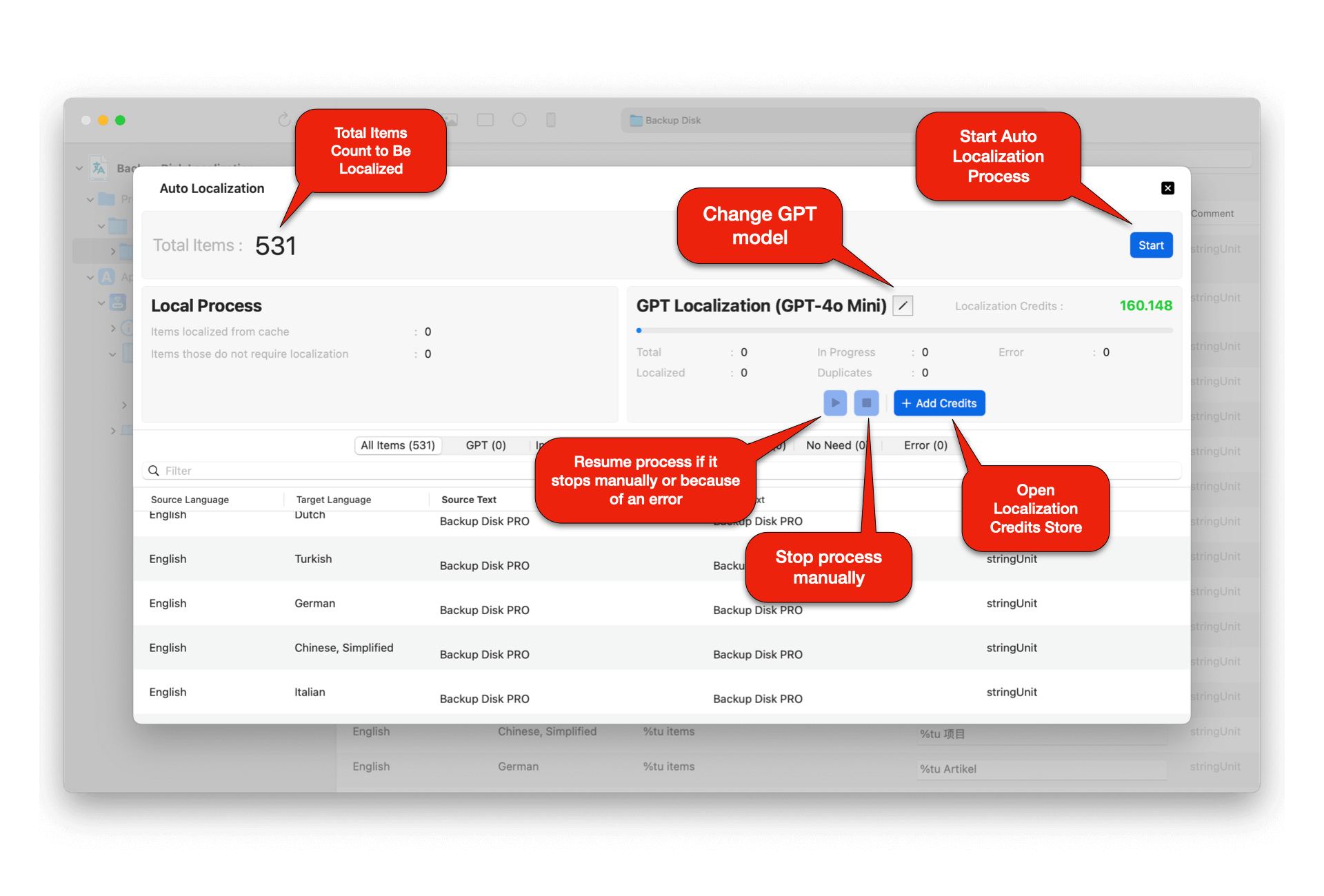
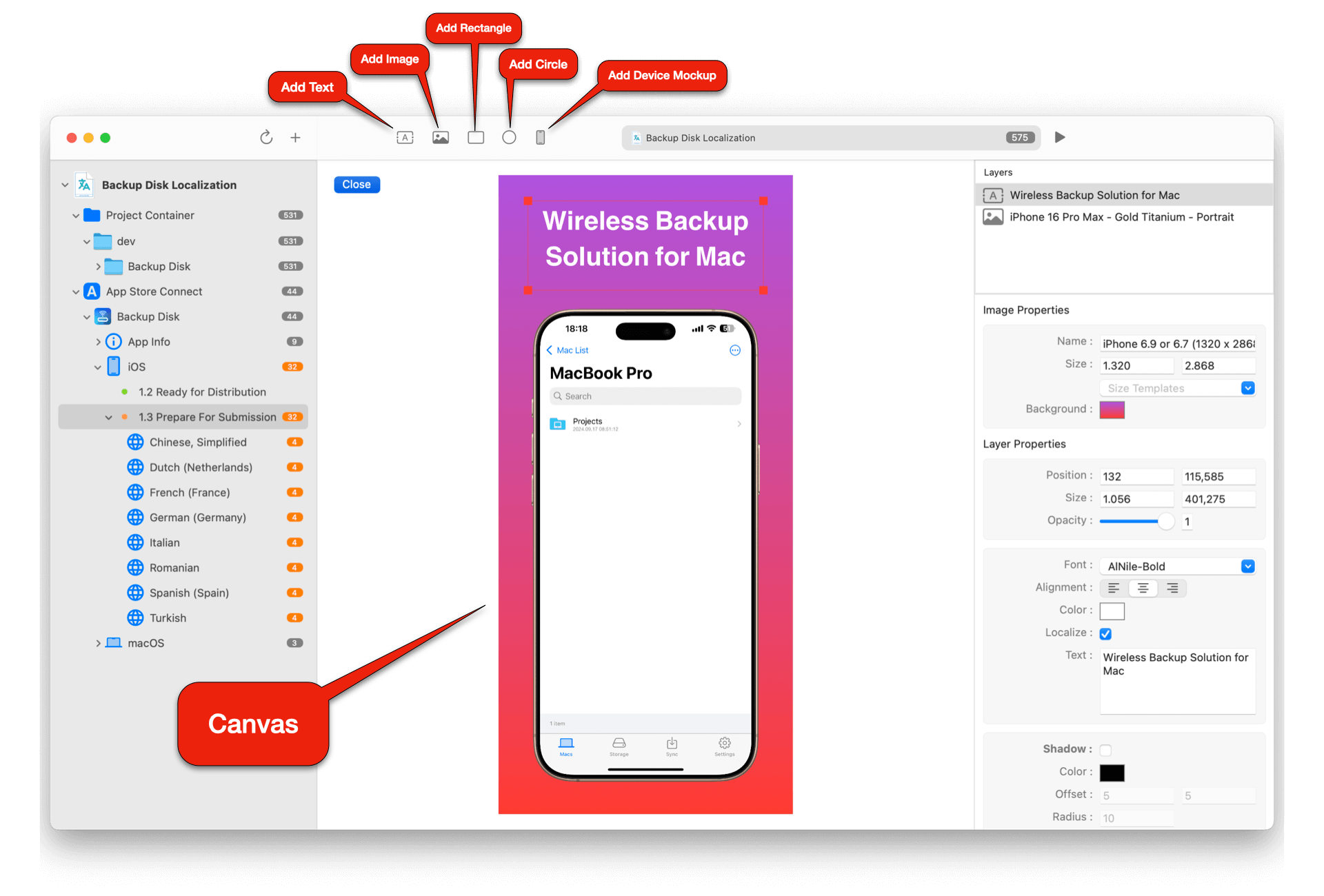
Localizing applications into multiple languages and updating these localizations when new versions are released is a laborious and costly task. Auto Localize aims to simplify this cumbersome process and provide a more cost-effective solution. Firstly, it supports localization resources specific to many development languages and in different formats. With AI integration, it enables the entire project to be localized automatically with a single click using your own API keys or local LLM applications.
Can I edit XLIFF (XML Localization Interchange File Format) files with Auto Localize?
Yes, XLIFF files are among the primary files supported by Auto Localize. The most commonly used formats, Version 1.2 and Version 2.0, are supported.
Which other file formats does Auto Localize support?
With Auto Localize, you can directly open and edit XLIFF and XCLOC files because these formats contain all the necessary information for localization.
In addition, the application supports file types commonly used for localization in programming languages, such as XML, JSON, ARB, STRINGS, RESX, and PROPERTIES. Since these file formats do not contain all the necessary information for localization, they cannot be opened directly. However, the project folders they are located in can be opened with Auto Localize. The application, by examining the project structure, automatically identifies the items to be localized and determines the source and target languages, facilitating the localization of these files. For detailed information, please review the programming languages section in the help page.
Is the Auto Localize a free application?
The Auto Localize is a free editor application that you can download and manually edit your localization files without paying any fees. The application supports AI-powered localization through your own API keys for OpenAI and Google Gemini, or through local LLM applications like LM Studio and Ollama for complete privacy and offline localization. To use auto localization features, you need to upgrade to the Pro version.
How do I set up API keys for OpenAI and Google Gemini?
To use AI-powered localization with OpenAI or Google Gemini, you need to provide your own API keys. You can obtain an OpenAI API key from OpenAI's platform and a Google Gemini API key from Google AI Studio. Enter these keys in the Auto Localize application settings to enable AI localization features.
How do I use local LLM applications for offline localization?
For complete privacy and offline localization, you can use local LLM applications like LM Studio or Ollama. Download and install these applications on your computer, then configure Auto Localize to connect to your local LLM server. This ensures your localization data never leaves your computer and provides maximum privacy and security.
What are the privacy benefits of using local LLM applications?
Using local LLM applications like LM Studio or Ollama provides maximum privacy and security for your localization data. Unlike cloud-based AI services, your text content never leaves your computer, ensuring complete confidentiality. This is especially important for sensitive business information, proprietary content, or applications that handle personal data. Local LLM processing gives you full control over your data while still benefiting from AI-powered translation capabilities.
Still need help?
For any topic you can't find here, you can reach out to us through our support page.