AI localization for Apple developers

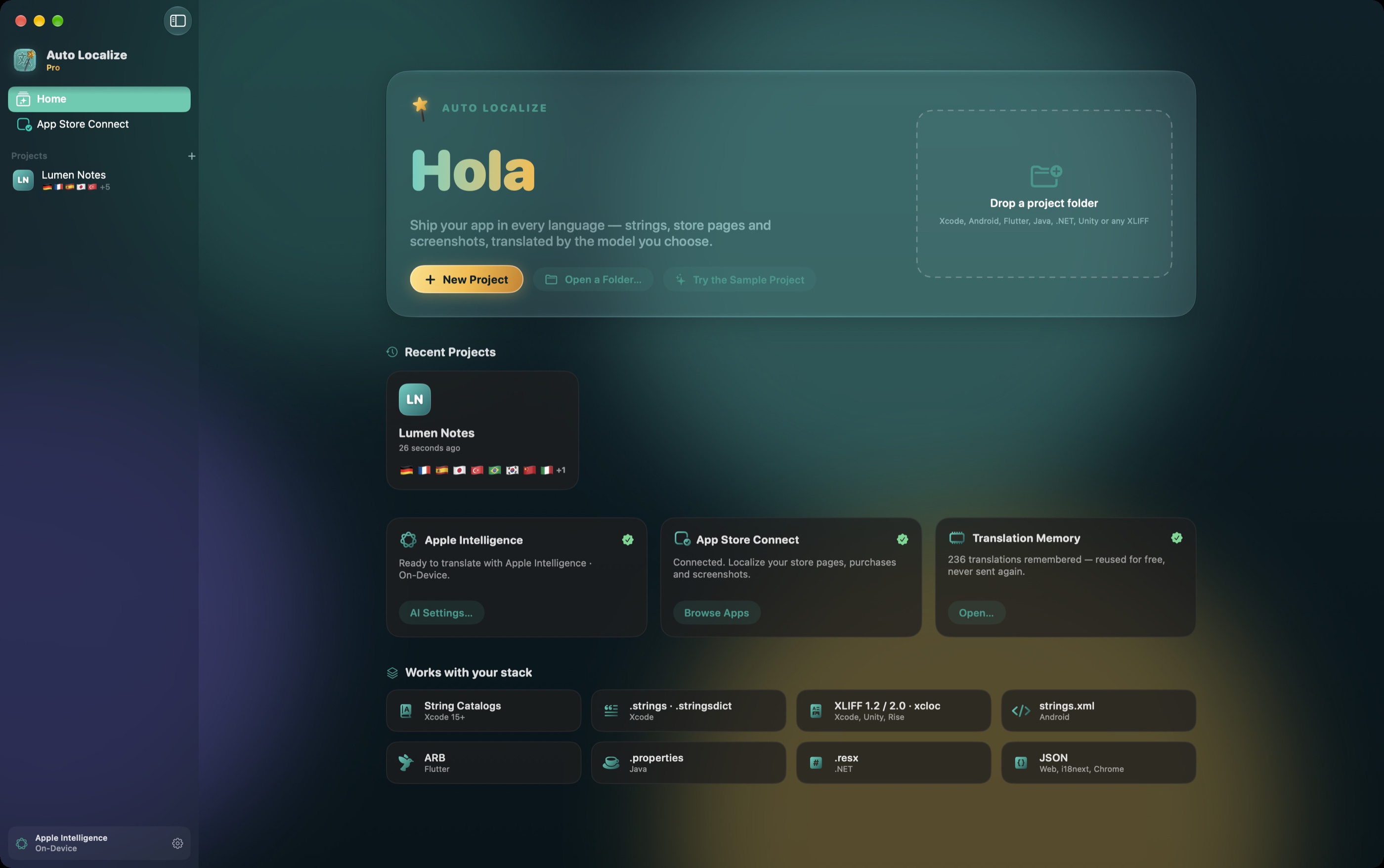
Ship your app in every language

Auto Localize reads your project, translates what’s missing with Apple Intelligence or the model you choose, and writes every file back exactly the way Xcode expects. Then it does your App Store page and your screenshots.

Download on the Mac App Store

A native Mac app · macOS 14 or later · Free to try
.xcstringsXLIFF 1.2 · 2.0.xcloc.strings.stringsdictInterface BuilderAndroid strings.xmlFlutter .arbJava .properties.NET .resxJSONUnity XLIFFArticulate Rise .xcstringsXLIFF 1.2 · 2.0.xcloc.strings.stringsdictInterface BuilderAndroid strings.xmlFlutter .arbJava .properties.NET .resxJSONUnity XLIFFArticulate Rise
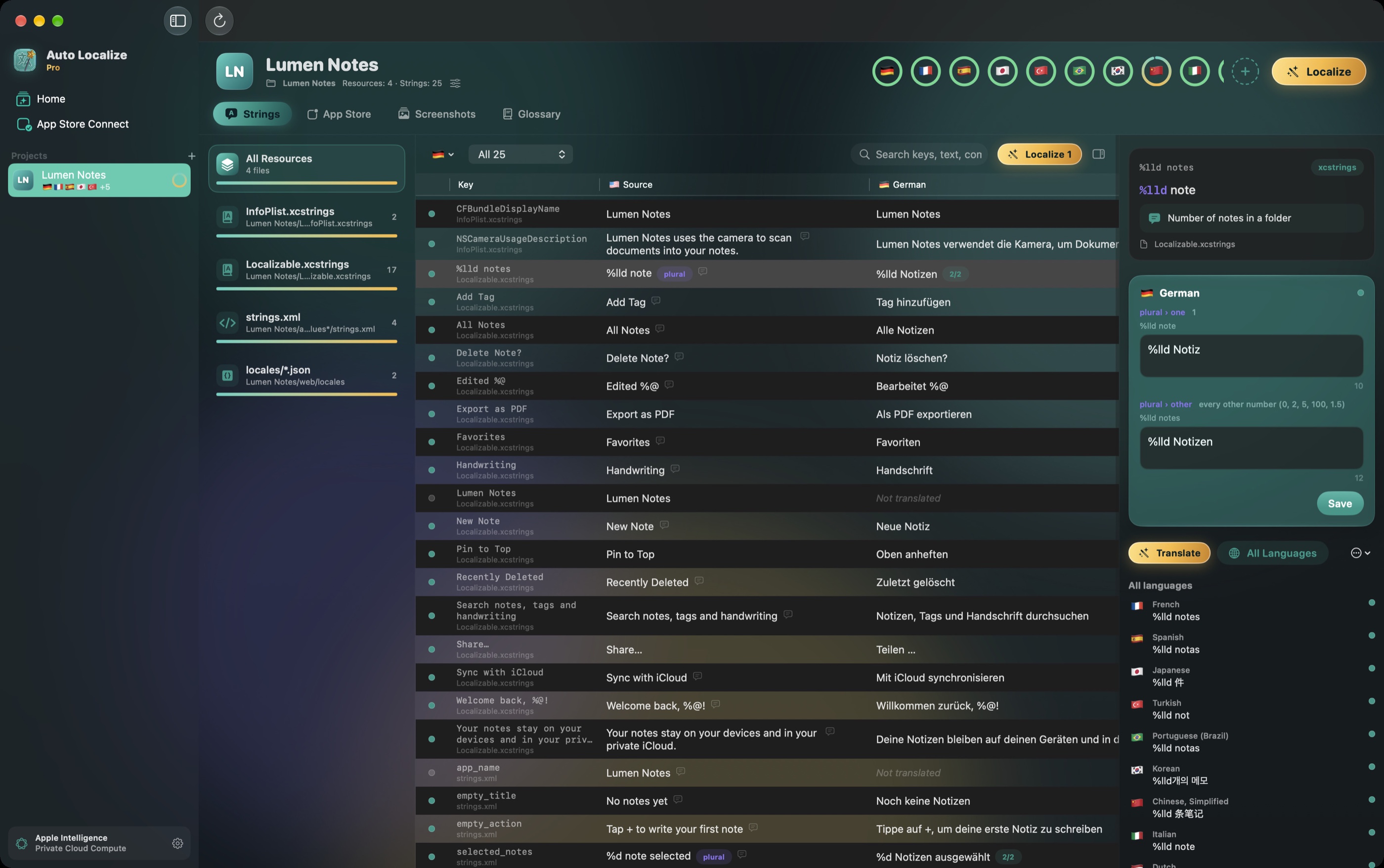
Auto Localize: every string of a project with its German translation and plural forms
How it works

From one language to every language in three steps

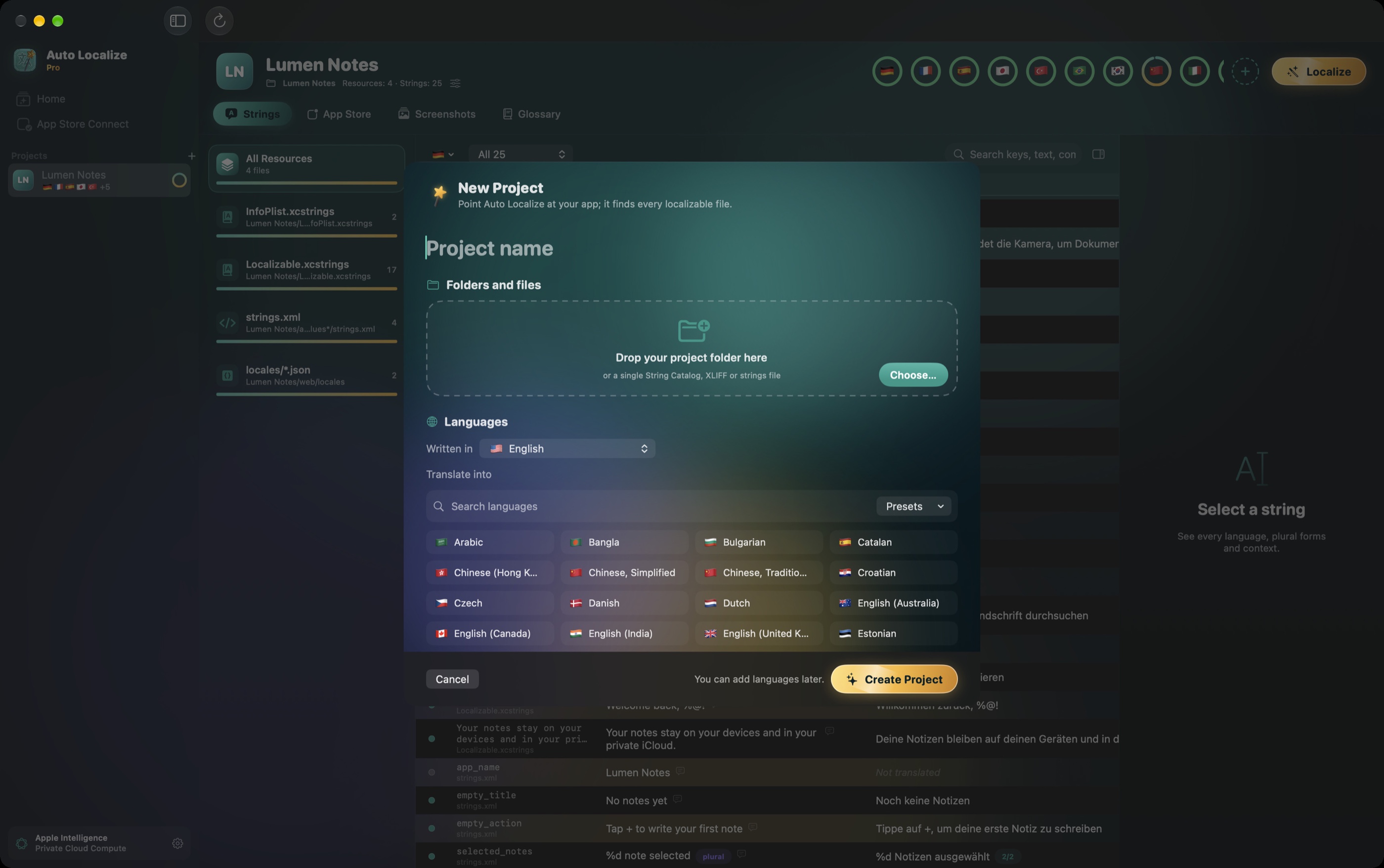
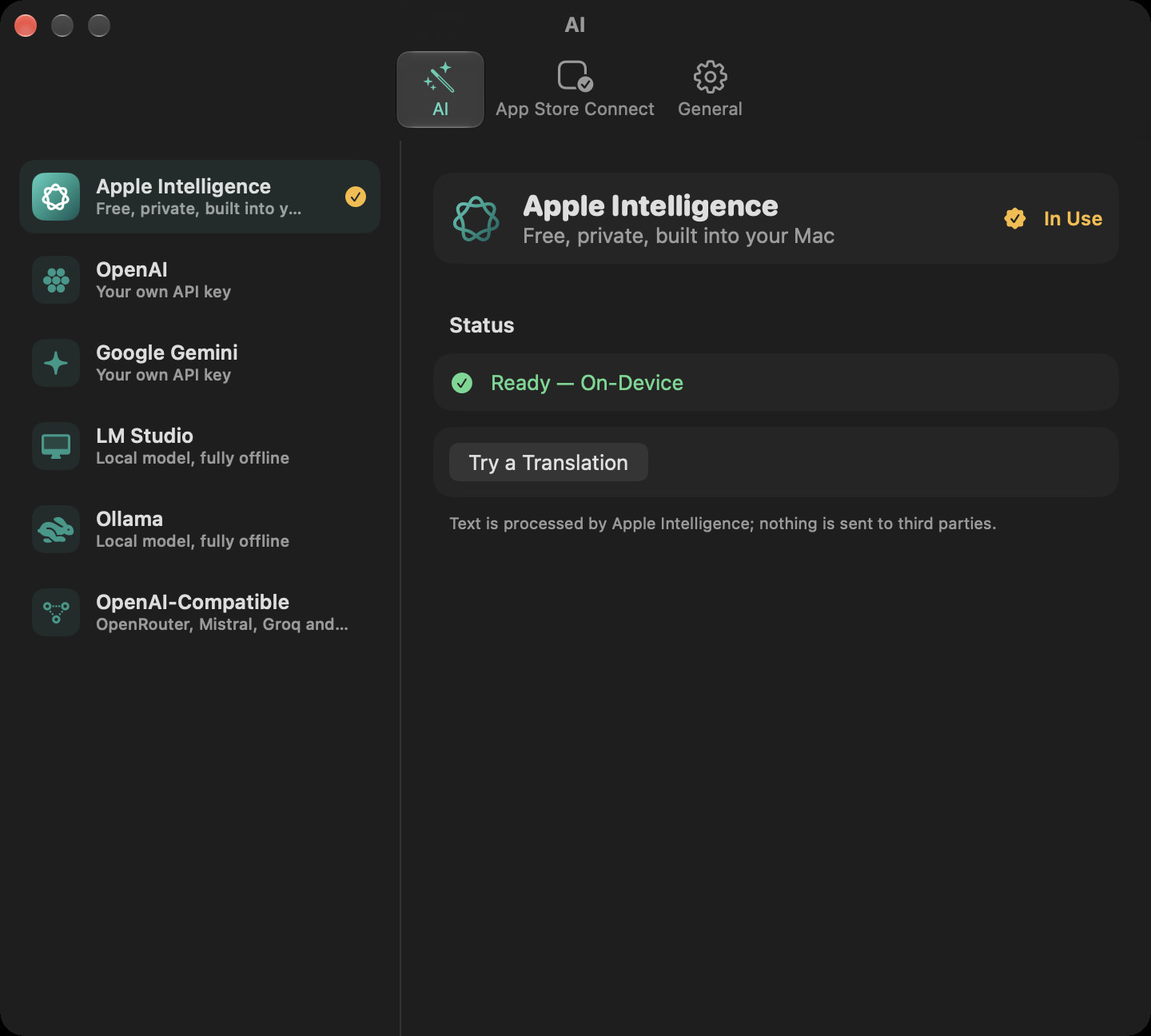
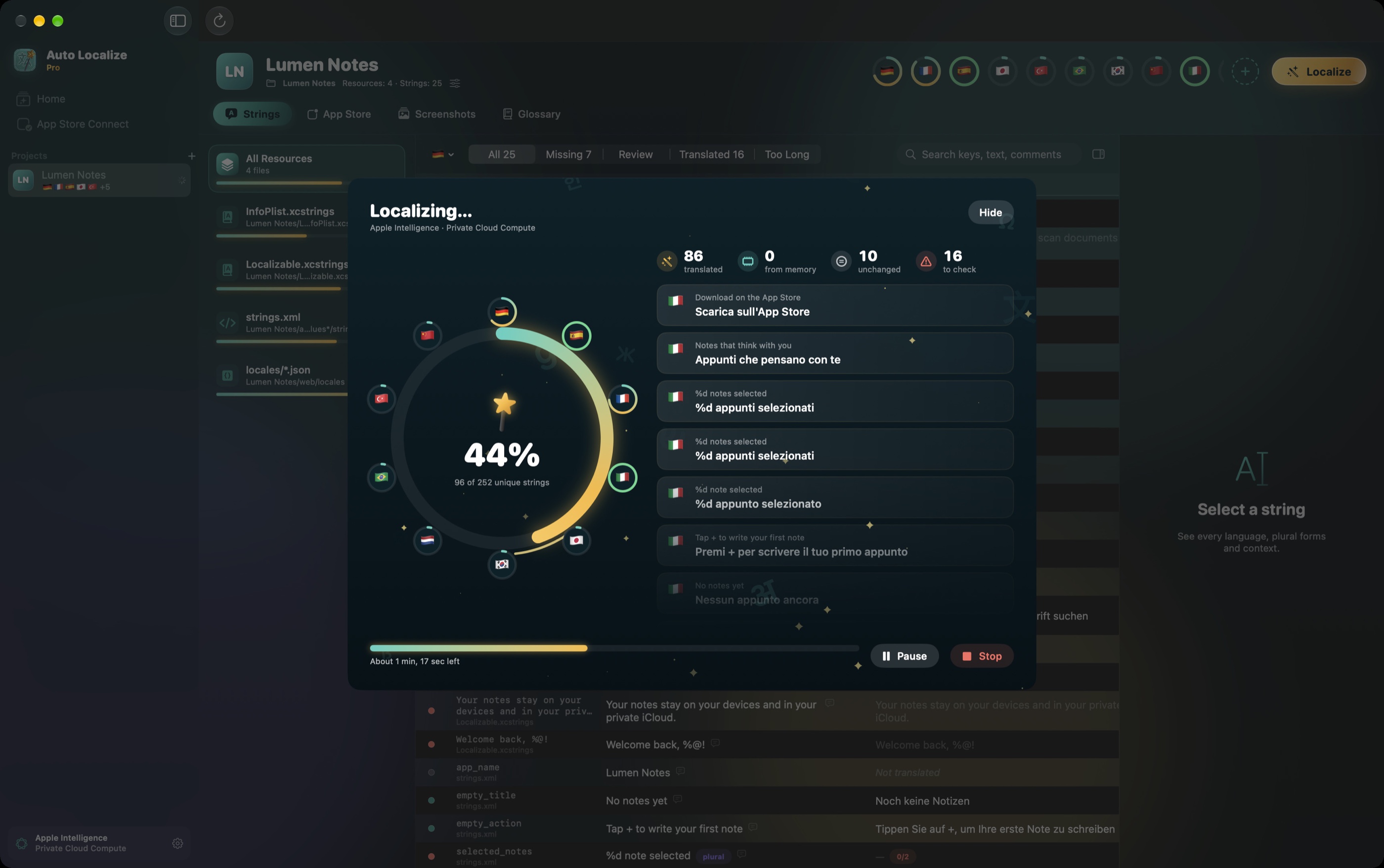
New project: drop a folder and choose languages AI settings: Apple Intelligence, OpenAI, Gemini, LM Studio, Ollama Localizing ten languages at once
Translation that understands your app

Not word-for-word. Ready to ship.

Every plural form

English has two forms, Japanese one, Polish four, Arabic six. Auto Localize fills in each one.

Placeholders are protected

%@, %1$d, {{name}} and HTML tags are swapped for markers before the model sees them, then checked on the way back.

Your glossary, your tone

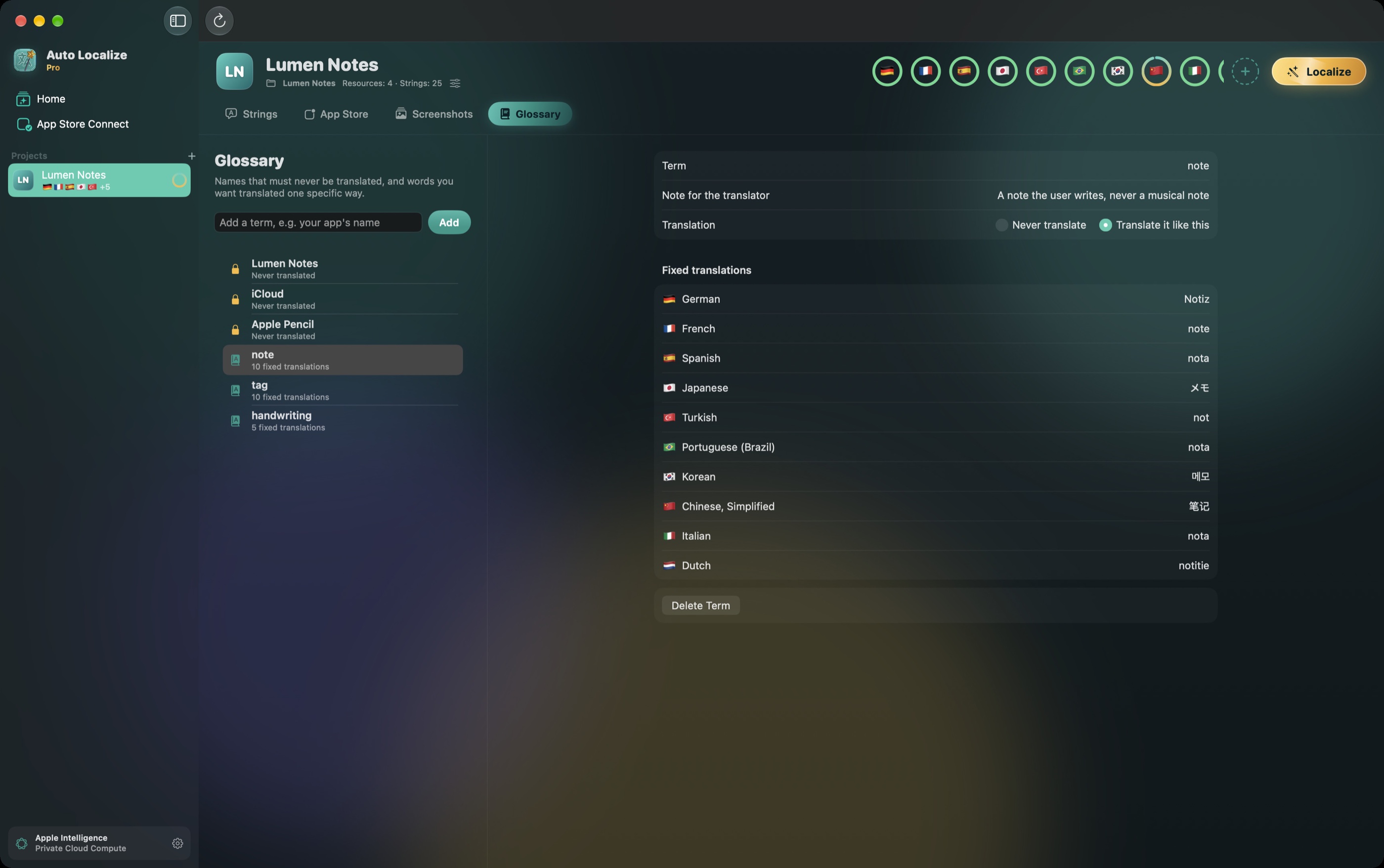
Names that must never change, words with a fixed translation, a short description of your app and a tone of voice go with every request.

Translation memory

Text you translated once is reused for free and never sent again, across all your projects.

Files the way Xcode writes them

Same order, same formatting, same comments, so your diff stays small. Every file is backed up and you can undo everything.

Review built in

See every language side by side, filter what’s missing or too long, and mark AI translations “Needs Review” so Xcode shows them too.

Your model, your privacy

Translate with the AI you choose

There’s no Auto Localize account and no server of ours. Your strings go only to the service you pick, and your keys stay in your Mac’s keychain.

✦

Apple Intelligence

Free and private. Runs on your Mac, or on Apple’s Private Cloud Compute for bigger batches. No key needed.

Default
◎

OpenAI

Your own API key and the model you prefer.

✧

Google Gemini

Your own API key, with the current model list loaded for you.

▣

LM Studio

A local model on your machine, completely offline.

◐

Ollama

Local models such as Qwen or Llama, nothing leaves your network.

⇄

OpenAI-compatible

OpenRouter, Mistral, Groq or your own server.

App Store Connect

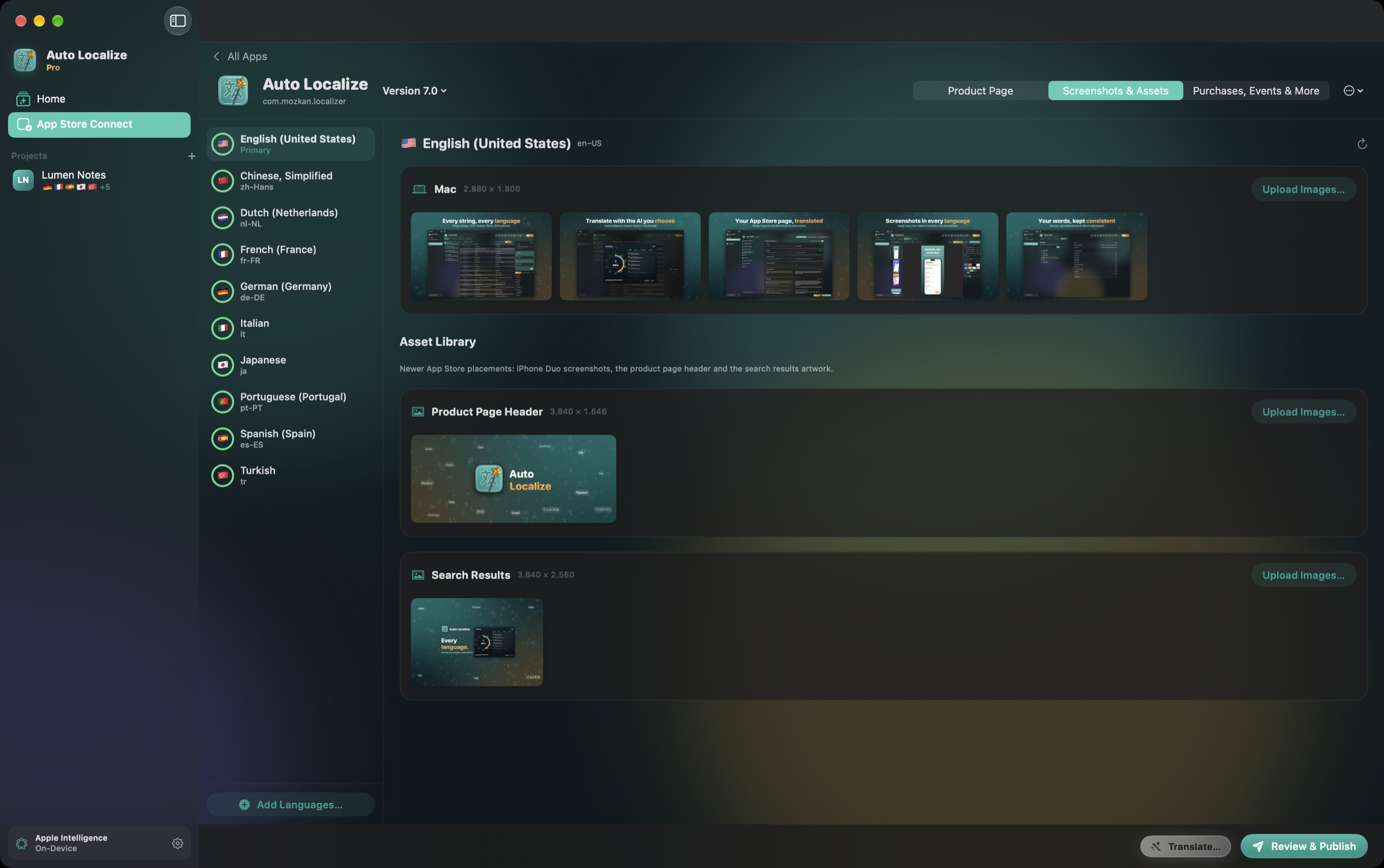
Your App Store page, translated

Connect with your own App Store Connect API key and localize everything people read before they download.
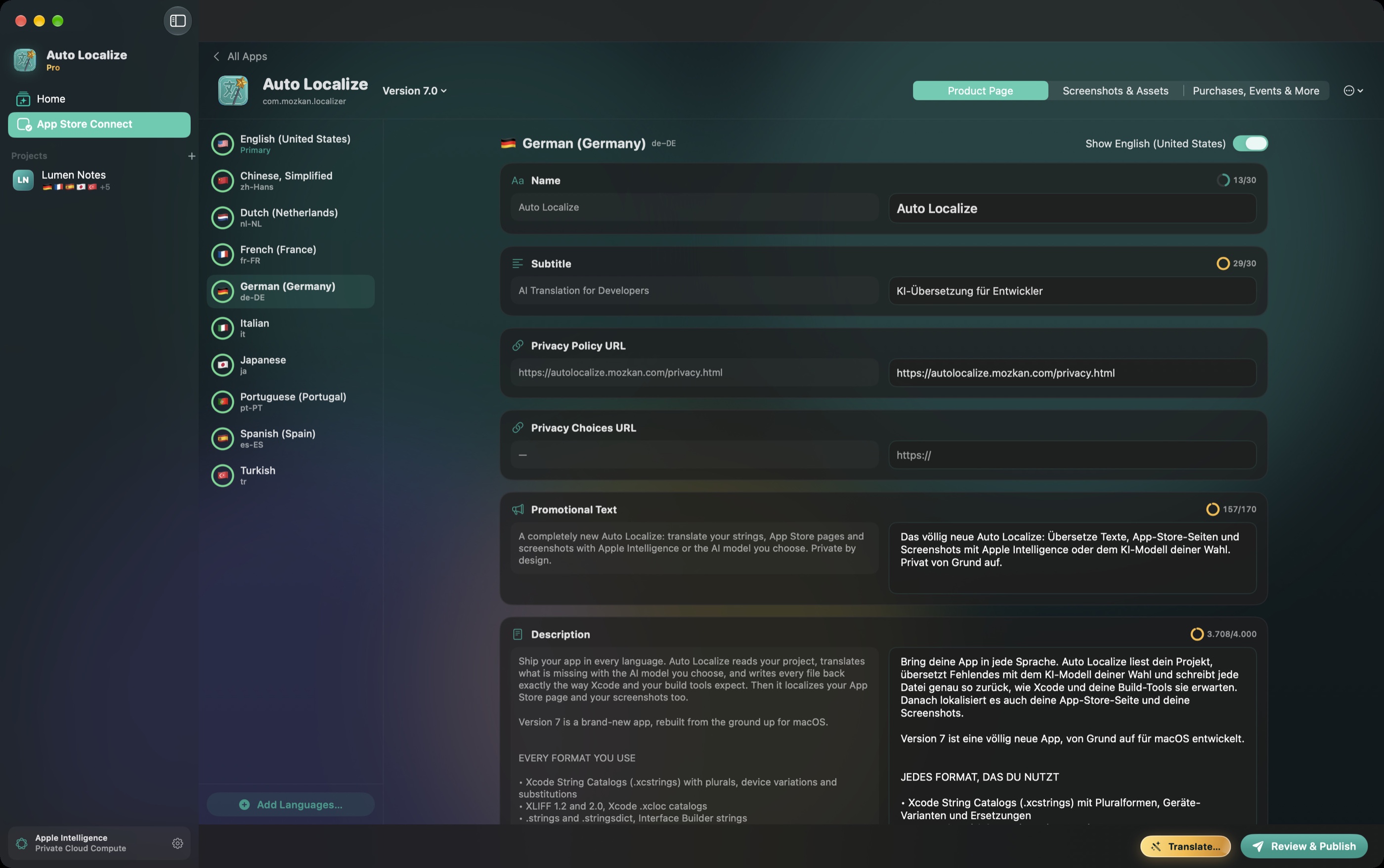
  • Name, subtitle, description, promotional text and What’s New
  • Keywords researched for each market, not translated word by word, within Apple’s limits
  • In-app purchases, subscriptions and subscription groups
  • In-app events, custom product pages and Game Center
  • New versions and new App Store languages
  • Every change shown side by side before you publish
The App Store page of Auto Localize with English and German side by side
Screenshot Studio

Screenshots that speak every language

Design once with device frames and templates. Captions are translated, each language can show its own screens, and every size goes to App Store Connect in one go, including iPhone Duo and the new App Store artwork.
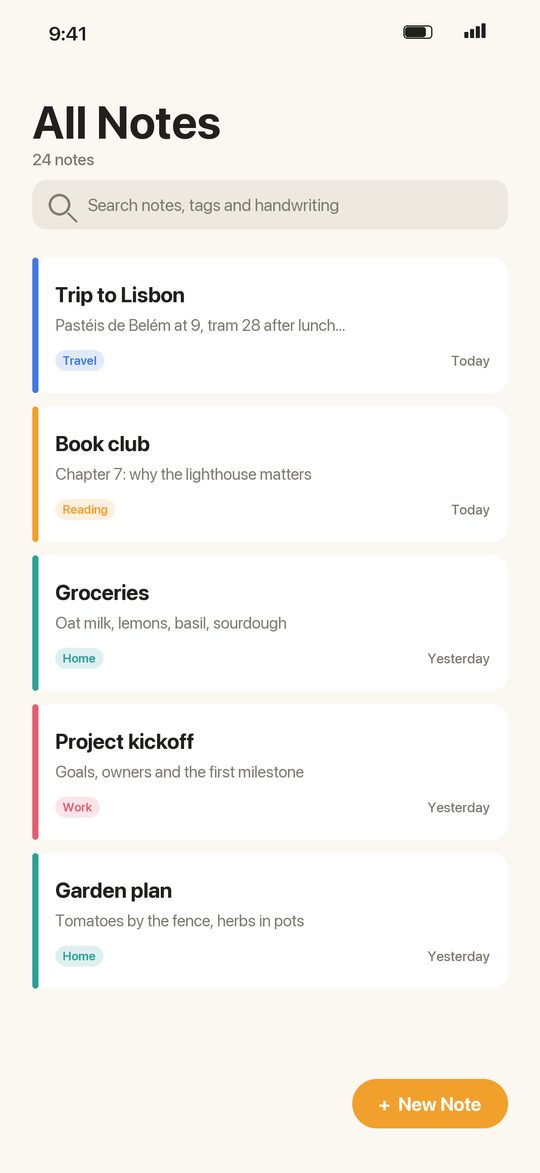
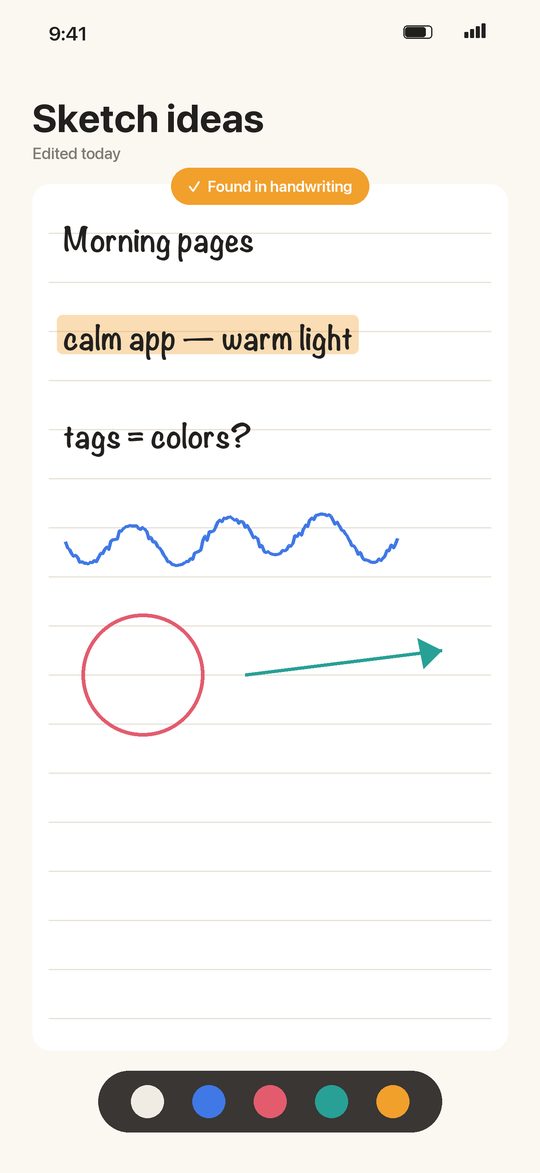
Notes that think with youWrite, sketch and find anything
Your handwriting, searchableApple Pencil, perfected
Everything in synciPhone, iPad and Mac

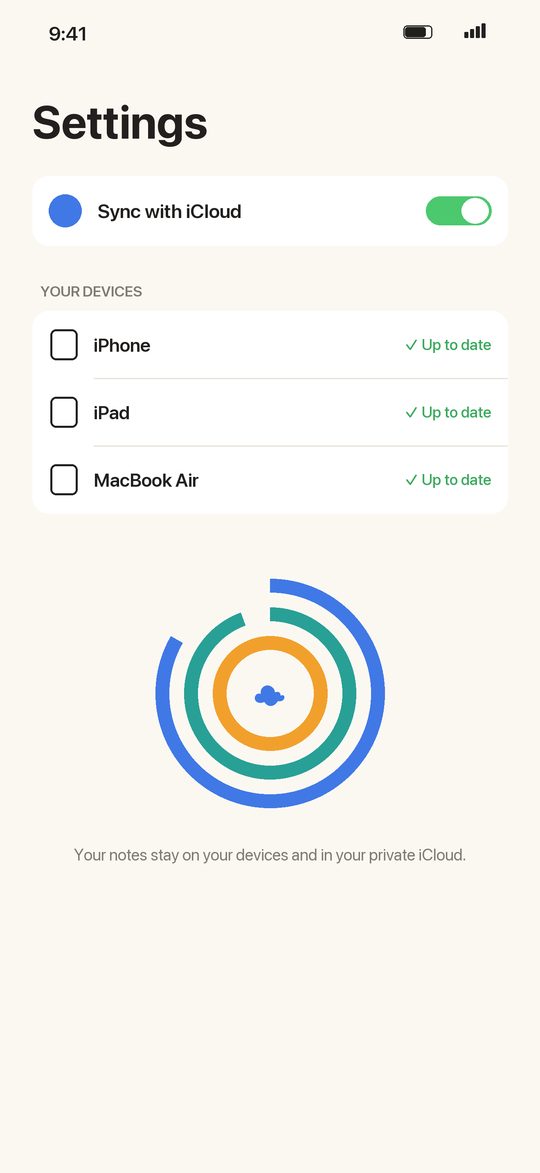
Live preview of a sample design. “Lumen Notes” is the app’s sample project.
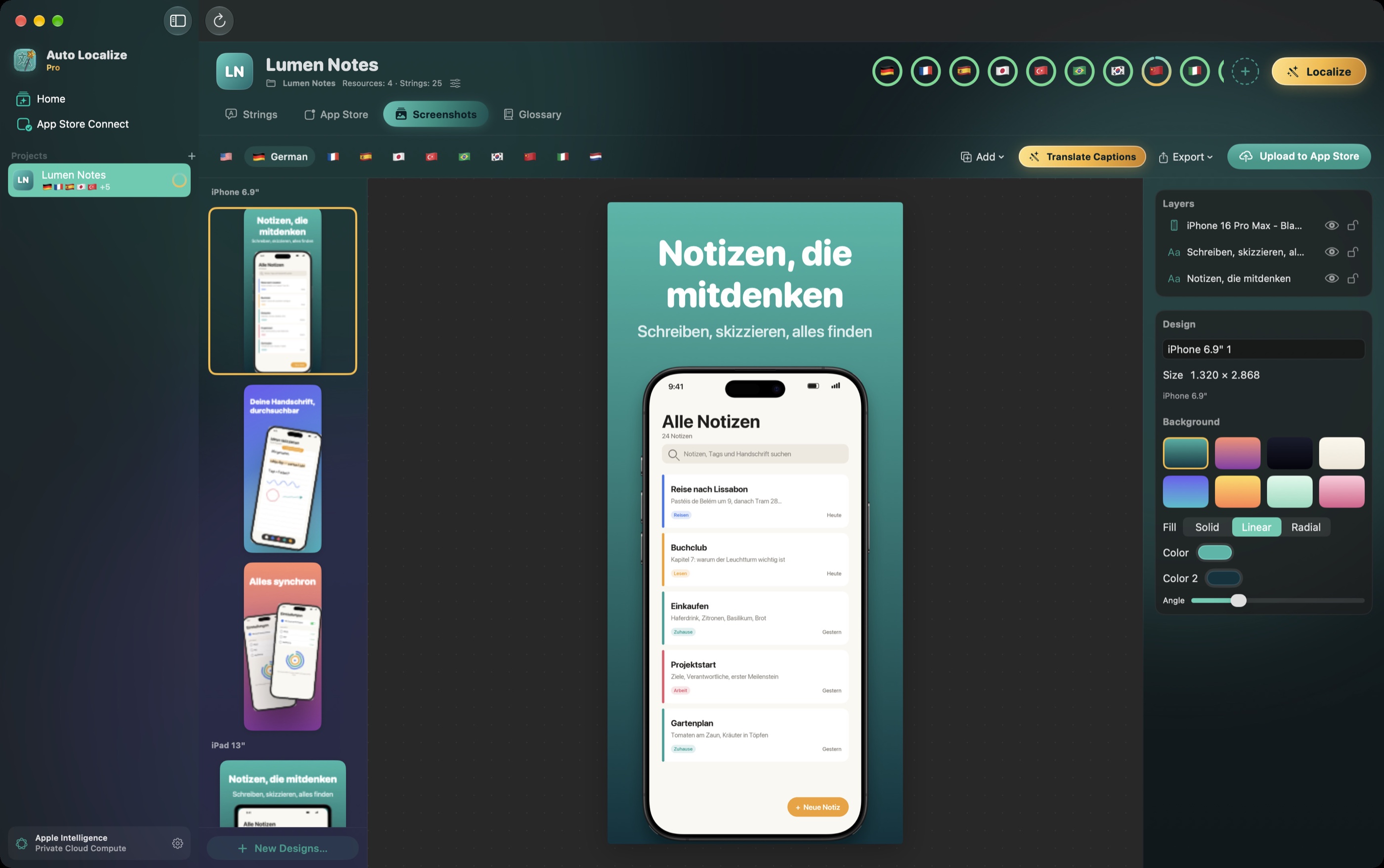
Screenshot Studio with the German version of a design
A closer look

Made for the Mac

Pricing

Free to try. Pro when you ship.

Free

  • Open and scan every supported format
  • Edit translations by hand, side by side
  • Glossary, translation memory and backups
  • Sample project to try everything

Pro monthly or yearly

  • AI localization with any provider
  • Publishing to App Store Connect
  • Screenshot exports and uploads
  • Free trial when offered
Download on the Mac App Store

Subscriptions renew automatically until cancelled in your App Store account settings. Terms of Use · Privacy Policy
Questions

Do I need an API key?
No. On a Mac with Apple Intelligence (macOS 26 or later), translation works without any key. OpenAI and Gemini need your own key; LM Studio and Ollama run locally.
Are my strings sent to you?
Never. There is no Auto Localize server. Text goes directly from your Mac to the provider you choose, or stays on your machine.
Will it change my files in strange ways?
No. Files are written the way Xcode and the original tools write them: same order, formatting and comments. Every file is backed up first, and you can undo everything since you opened the project.
Which formats are supported?
String Catalogs (.xcstrings), XLIFF 1.2 and 2.0, .xcloc, .strings and .stringsdict, Interface Builder strings, Android strings.xml, Flutter ARB, Java .properties, .NET .resx and JSON language files. Unity and Articulate Rise work through XLIFF.
What happened to my Auto Localize 6 projects?
They are imported automatically the first time you open version 7, together with your screenshot designs and translation memory.
Which macOS do I need?
macOS 14 Sonoma or later. Apple Intelligence needs macOS 26 or later on a Mac that supports it.

Every language, in minutes.

Download on the Mac App Store