
1. Keep your text in resources
Android apps keep their text in res/values/strings.xml. Use <plurals> for counts and mark strings that must not change with translatable="false". See Android’s localization guide.
2. Create an Auto Localize project
- Click New Project and drop your Android Studio project folder.
- Set Written in to the language of
values/strings.xml. Folders with a language qualifier (values-de) are recognized; other qualifiers such asvalues-nightare ignored. - Pick the languages and click Create Project.
3. Localize
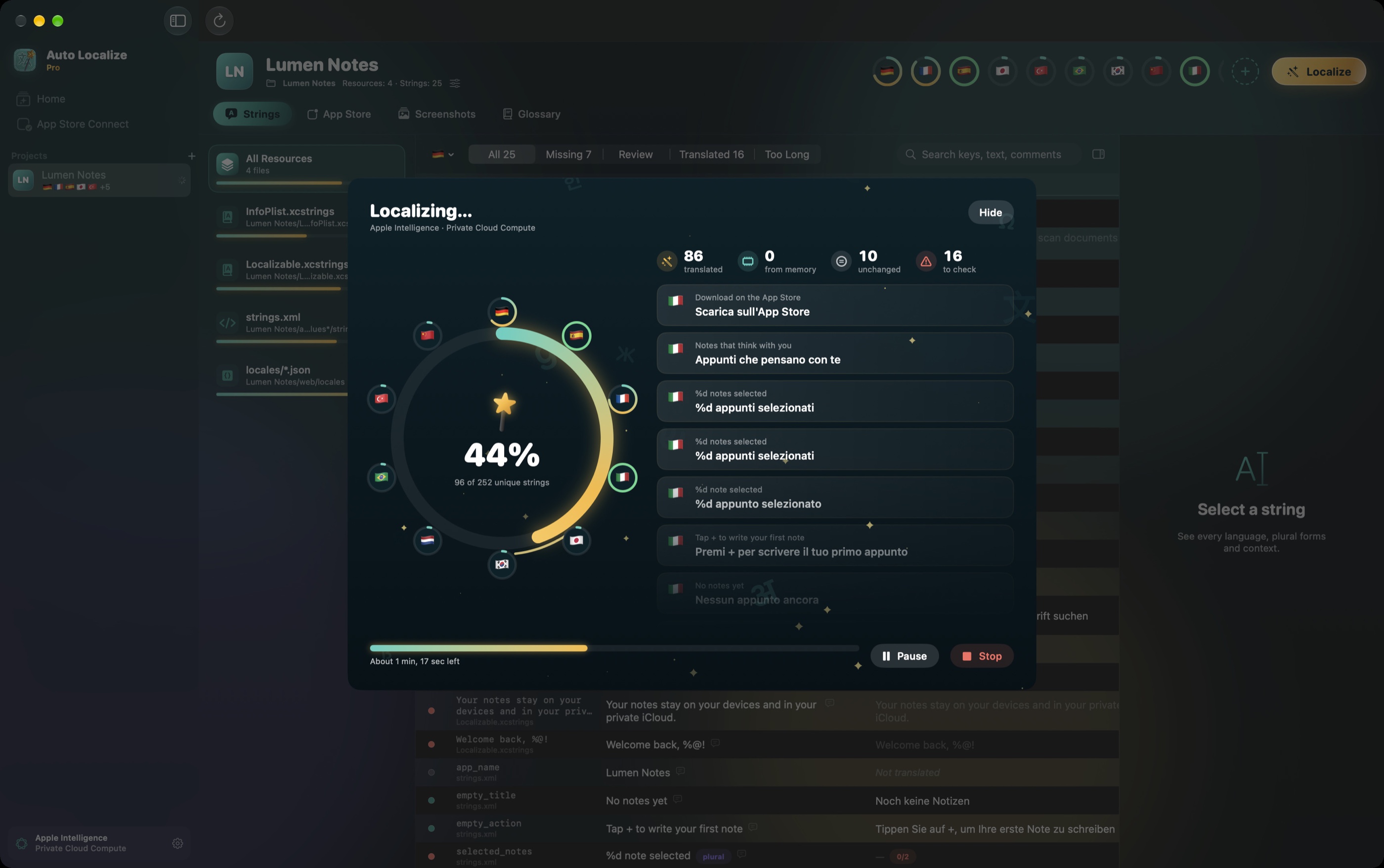
Click Localize. New languages are written to values-de/strings.xml, values-pt-rBR/strings.xml, values-zh-rCN/strings.xml and so on, with the same order and indentation as the original file. Plurals get every quantity the language uses; escapes such as \' and \n and markup like <b> are kept.
4. Build
Rebuild the app in Android Studio. Use Translations Editor there, or the details panel in Auto Localize, to check individual strings.